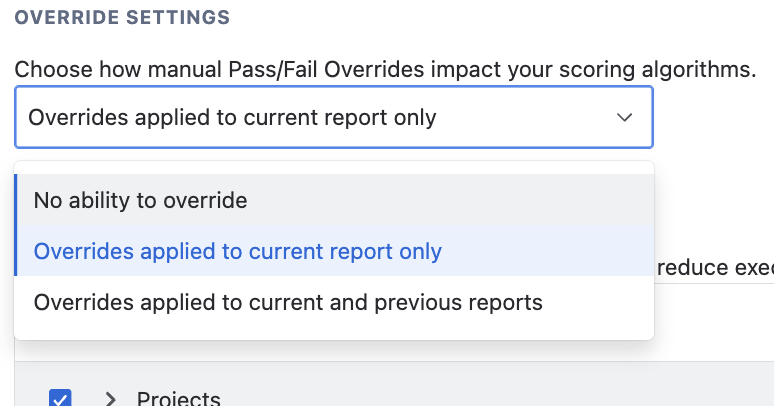
Overrides settings
Sometimes certain legacy instances or customized templates purposefully fail a test but remain critical. In the global Settings pane, you have access to three distinct Override Policy configurations dictating how manual exemptions influence algorithm generation:
- No ability to override: no override is possible and test results cannot be altered.
- Overrides applied to current report only: when an override is applied to a test, it applies to the current report only, do not alter previous or future report scores.
- Overrides applied to current and previous reports: any overrides applied to one or more tests will be applied to current and all previous reports.
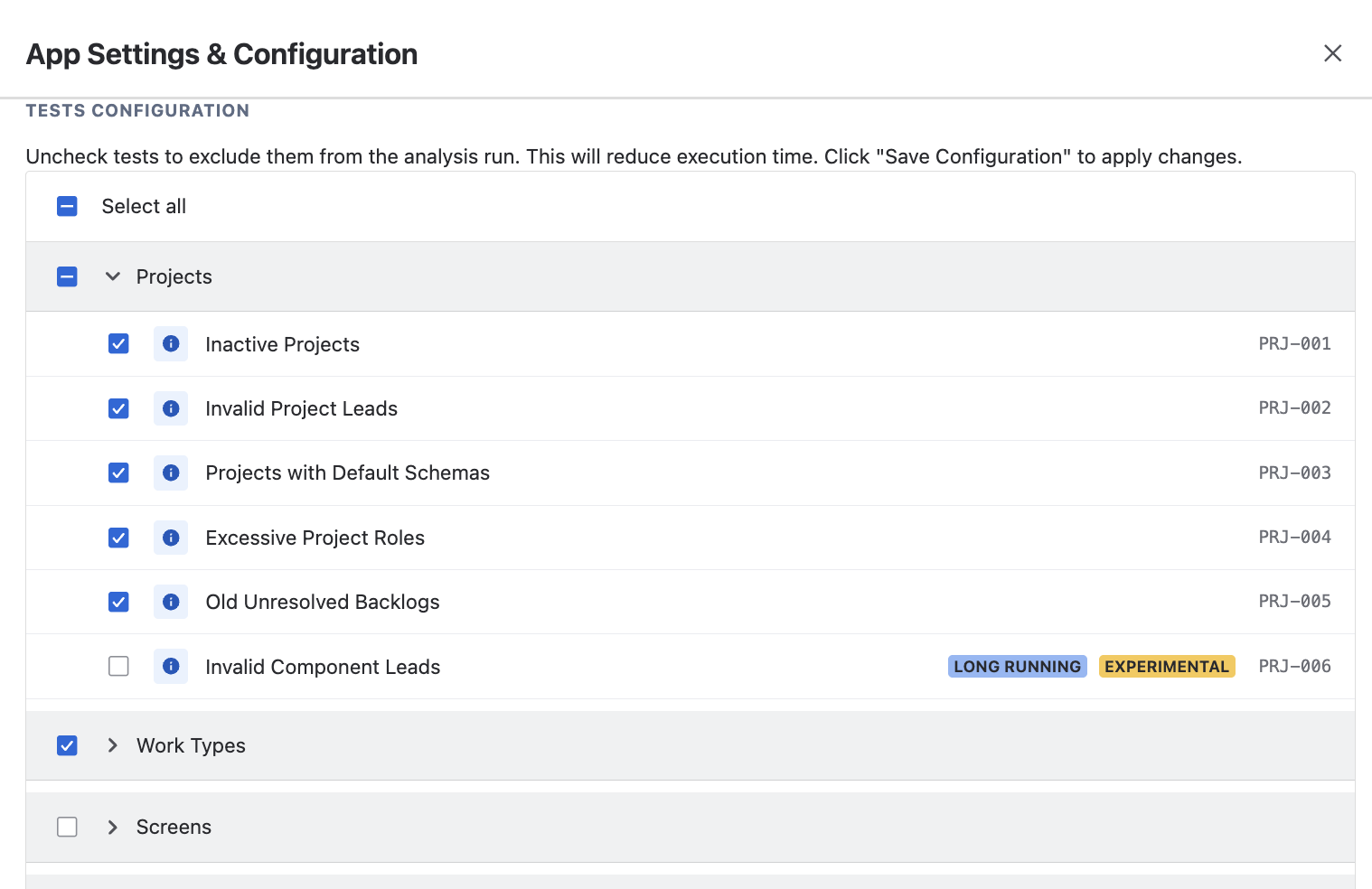
Test Types
Smart Admin classifies all internal test routines functionally:
- Standard: Typical, high-speed checks mapping generalized data sets efficiently.
- Long Running: Exhaustive deep scans (such as calculating deep JQL filtering issues) that require prolonged, intricate processing limits.
- Experimental: Advanced checks currently being fine-tuned aggressively prior to graduating to a standard benchmark.
- Custom: Advanced, deeply personalized analytics tests strictly built and authored by your organization.

Enable or disable tests
If your organization doesn't actively care about auditing User Role metrics, you shouldn't penalize your global score for it! From your Configuration menu, you can selectively toggle specific tests on or off. By simply disabling a test, it forces the overarching Smart Admin engine to cleanly skip it entirely!