Data structure (modules and tests)
Smart Admin operates systematically through a strictly organized hierarchy to evaluate your Jira configuration:
- Modules: These represent high-level thematic areas of your Jira environment (for example, "Custom Fields," "Projects," "Workflows," or "Screens"). Modules act as folders aggregating the overall compliance status of that specific architectural domain. If your "Projects" module scores highly, it means your Jira projects are structurally clean and active.
- Tests: Inside every Module are the granular compliance audits known as "Tests" (e.g., "Unused Custom Fields," "Projects with Zero Issues," or "Workflows not mapped"). Each Test actively searches your instance for a specific type of configuration debt and outputs actionable data based strictly on its findings.
Run a first report
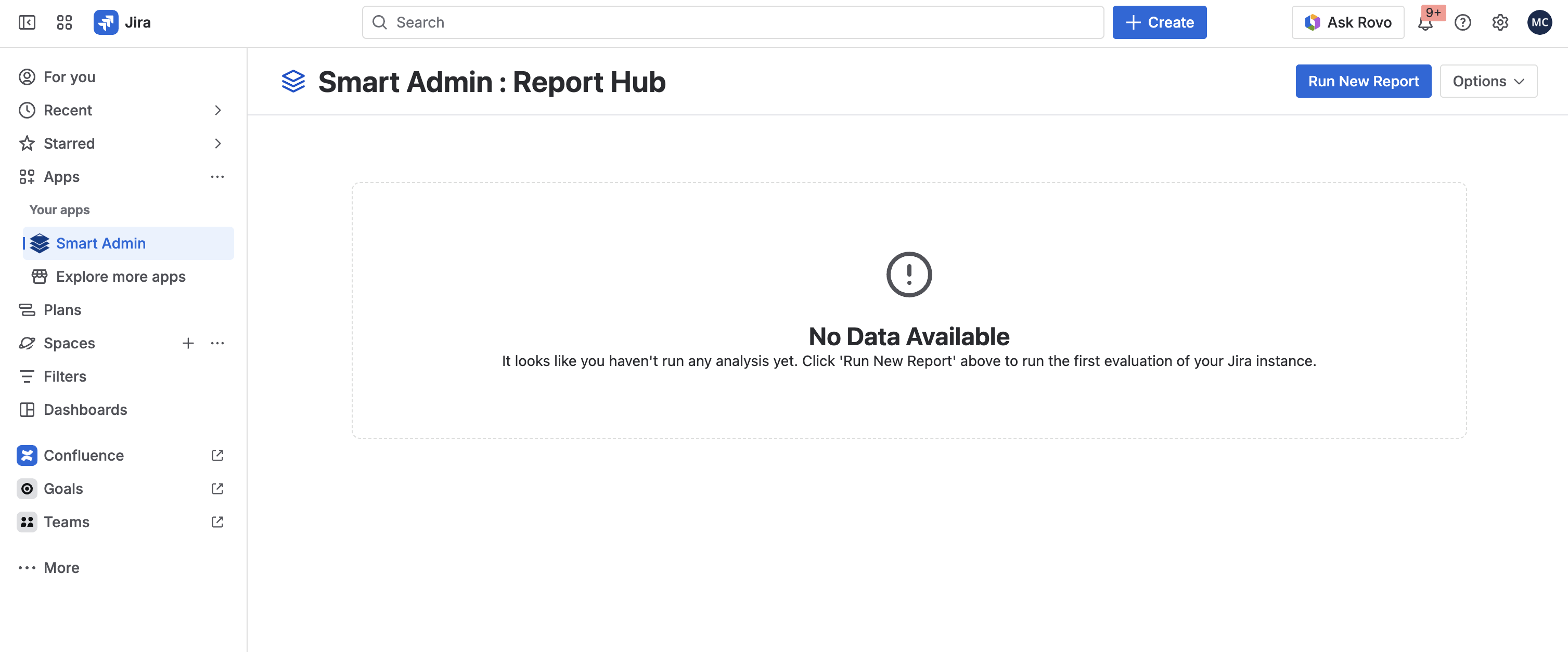
To intelligently map your instance for the first time, navigate to the Smart Admin dashboard from the top Jira navigation menu (Apps > Smart Admin) and hit the "Run New Report" button on the top right.
Run subsequent reports
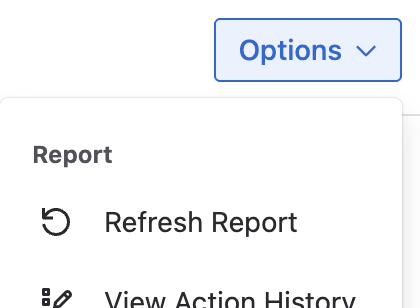
Once your initial data is gathered and cached safely, Smart Admin will display it instantly moving forward. If you've spent the afternoon deleting unneeded custom fields and modifying screens, you should re-evaluate your instance to see your updated score. Simply click "Refresh Report" in the Options menu.
Check progress and live console
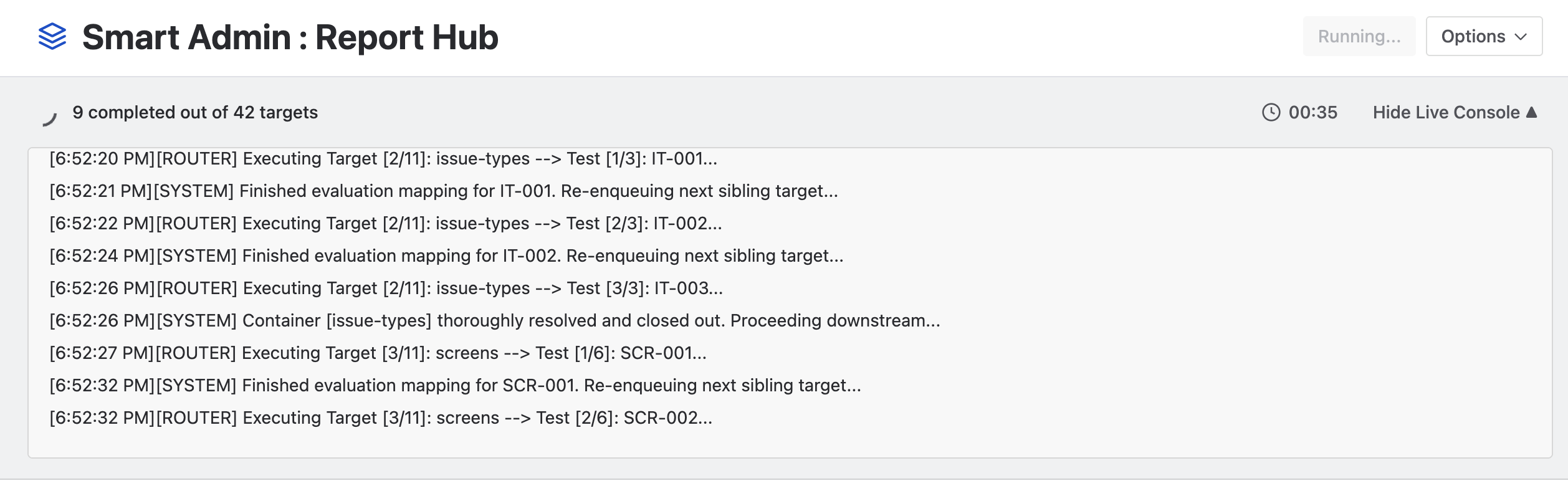
Evaluating massive Jira instances requires heavy computation. As reports are generating, Smart Admin provides absolute transparency into its backend orchestrator via the Live Console. You can track exactly which specific tests are querying Jira's APIs in real-time, the volume of objects being evaluated, and exactly how thoroughly your scan is executing!